A good idea.
A clearer way to make it.
Practical guides with the tools built right in. Read the brief, add your images, and explore a direction without leaving the page.
6 guides to explore
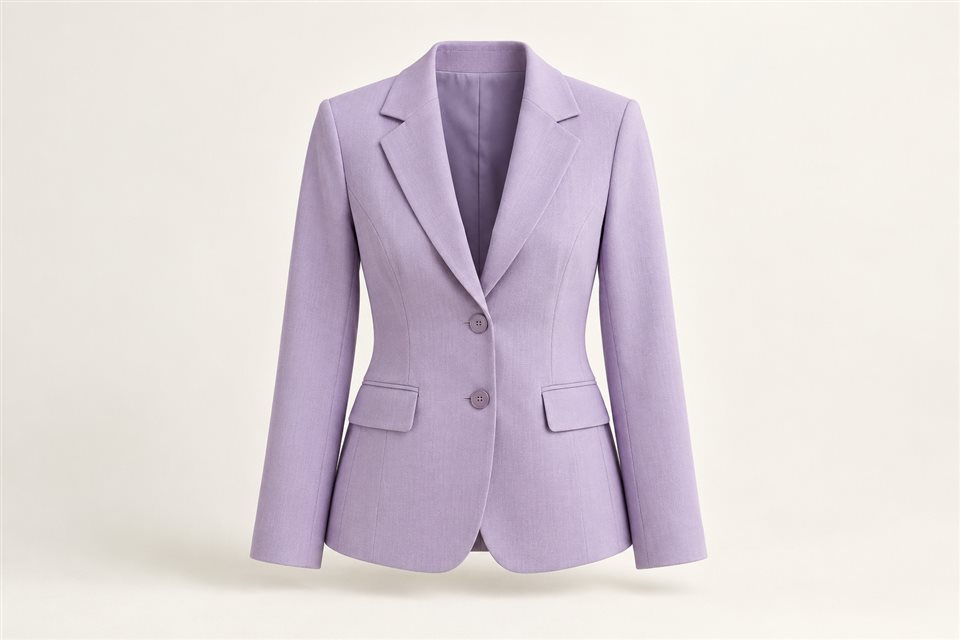 Tool inside
How to change clothes in a photo with AI
Plan a photo outfit change with a main image, a garment reference, and focused instructions. Try the Fashion Studio demo directly in this guide.
Read & try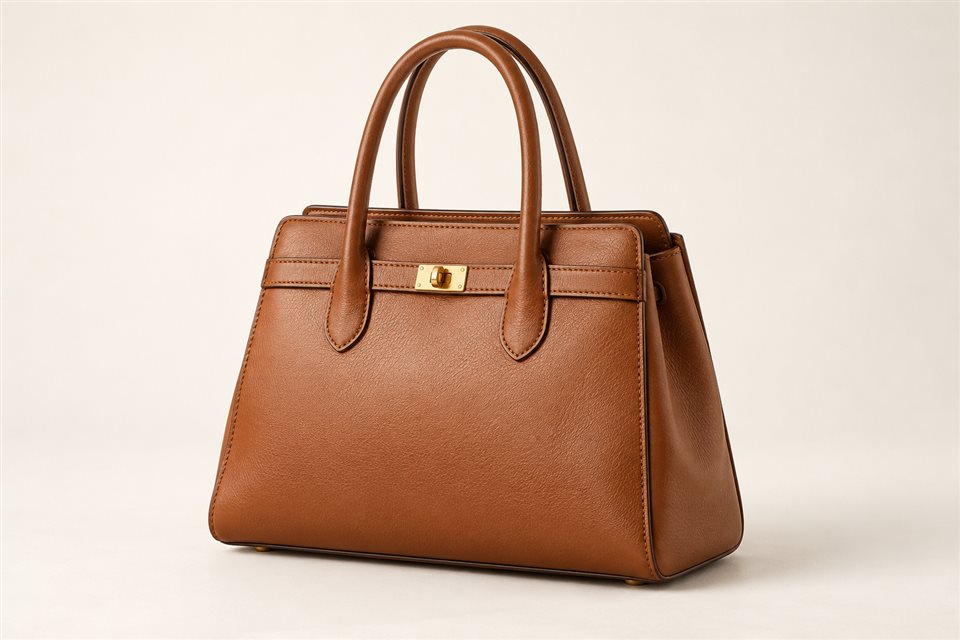 Tool inside
How to add a handbag to a model photo
Prepare a handbag styling edit with a clear product reference, carrying position, and scale instructions. Use the embedded bag changer demo.
Read & try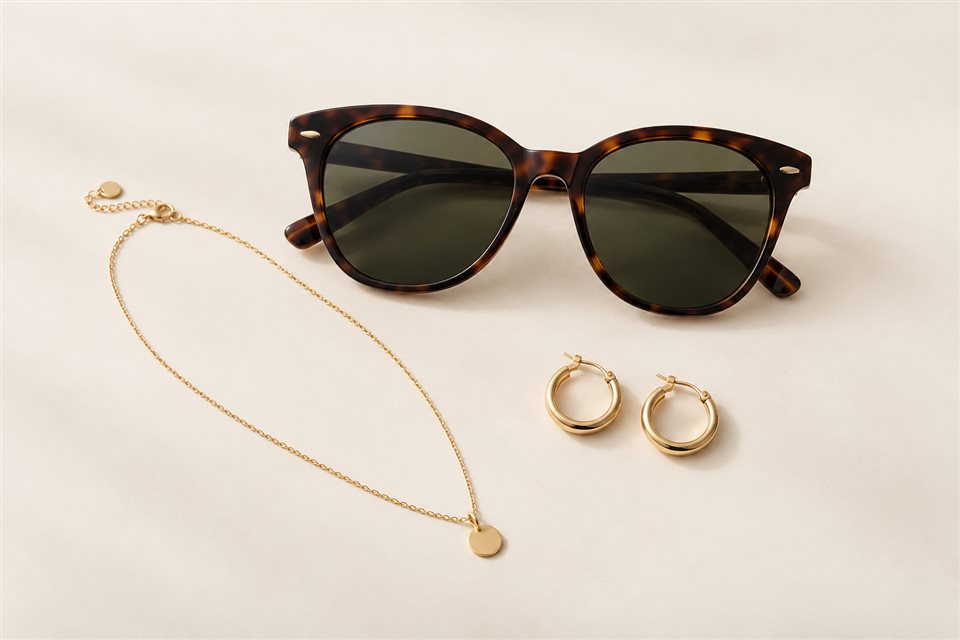 Tool inside
How to add accessories to a photo with AI
Write clearer accessory edits for sunglasses, necklaces, and earrings using numbered references and placement instructions. Try the inline demo.
Read & try Tool inside
How to make a product photo background white
Prepare a white-background product edit while preserving the item, fine edges, and natural shadows. Try the embedded image editor demo.
Read & try Tool inside
How to turn a photo into a watercolor illustration
Describe watercolor washes, paper texture, and preserved composition for a photo-to-illustration task. Explore the inline image-to-image demo.
Read & try Tool inside
How to prepare product photos for AI upscaling
Choose better source files and review product texture, edges, and labels when planning an AI enlargement. Try the inline upscaler demo.
Read & tryInteractive demo: tools record your instructions and keep source images unchanged. Live AI processing is not connected.